Explore AmeriConstruction
Building Lifecycle and Project Record Guides
A useful building record stays understandable as projects, owners and teams change. These guides show how to organize condition information, renovation history and handover files for the next property decision.
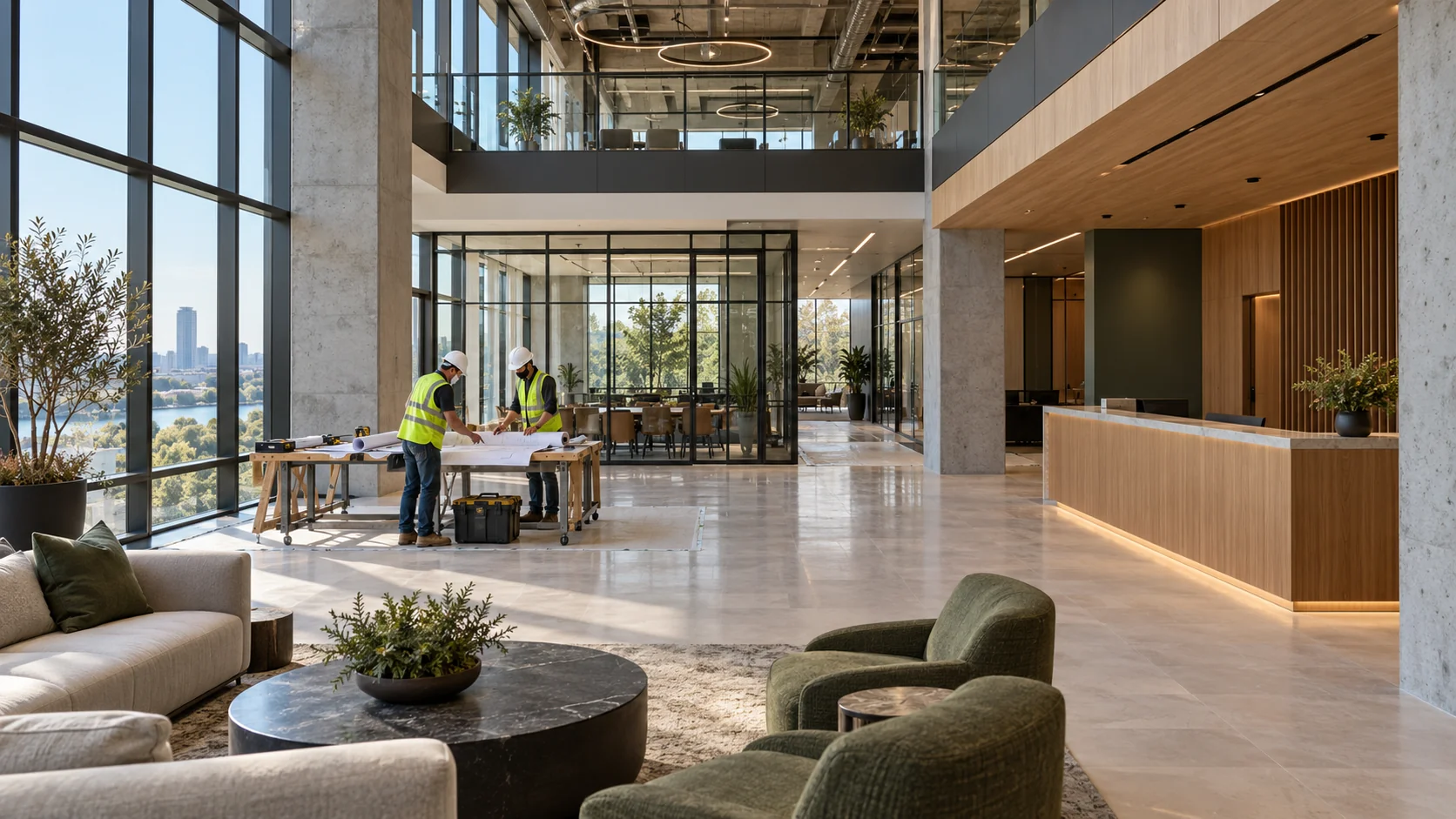
Follow the information through the building’s life
- At closeout: connect completed work with the relevant operating records.
- During ownership: keep repairs, inspections and changes tied to the correct asset.
- At a transition: identify current documents, open questions and the next custodian.
- Before another renovation: use earlier records to frame current verification.
11 pages
Commercial Asset Lifecycle Planning
Build a commercial asset plan that connects condition evidence, operating consequences, timing options, and future capital decisions.
Digital Documentation and Facility Lifecycle Planning
Organize digital building records so facilities teams can find current information, understand its limits, and preserve it through change.
Connecting Construction Closeout Records to Ongoing Asset Management
Turn project closeout files into usable asset records, maintenance actions, contacts, and a controlled handover to the operating team.
Preserving Renovation History for Future Capital Planning
Maintain an area-based renovation history that shows what changed, what remained, why decisions were made, and what the next team should review.
Warranty Tracking as Part of a Building’s Digital Record
Organize issued warranty documents by asset, issuer, dates, conditions, service history, and the process for asking coverage questions.
Ownership Transitions and Organized Project Records
Prepare building project records for an ownership or management transition with a clear index, document status, permissions, and open-item handover.
Using As-Built Documentation in Future Renovation Planning
Evaluate record drawings and field markups before using them to plan a renovation, and identify the conditions that still need verification.
Digital Recordkeeping for Multi-Building Portfolio Owners
Create consistent building records across a portfolio with stable identifiers, shared document fields, local stewardship, and usable comparisons.
Post-Construction Documentation: What Owners Should Request at Closeout
Specify closeout deliverables that match the work, including applicable drawings, inspections, product information, warranties, and open items.
Using Building IDs to Organize Facility Records
Use stable building and asset identifiers to keep drawings, repairs, inspections, and renovation history connected as teams change.
Planning Future Renovations Using Prior Project Records
Use earlier project records to frame renovation questions, identify retained work, and guide current field verification.